15m between bins
One bin per spot
If a bin is already on the map within 15 metres, a second one can't be added on top of it.
SmartBin is a map of public dustbins, kept up to date by the people who use them. See the closest one, whether it takes wet or dry waste, and walk there.
Spotted one that isn't on the map? Add a bin
Tap the map to move
Metro gate 2
43 m
1 min walk
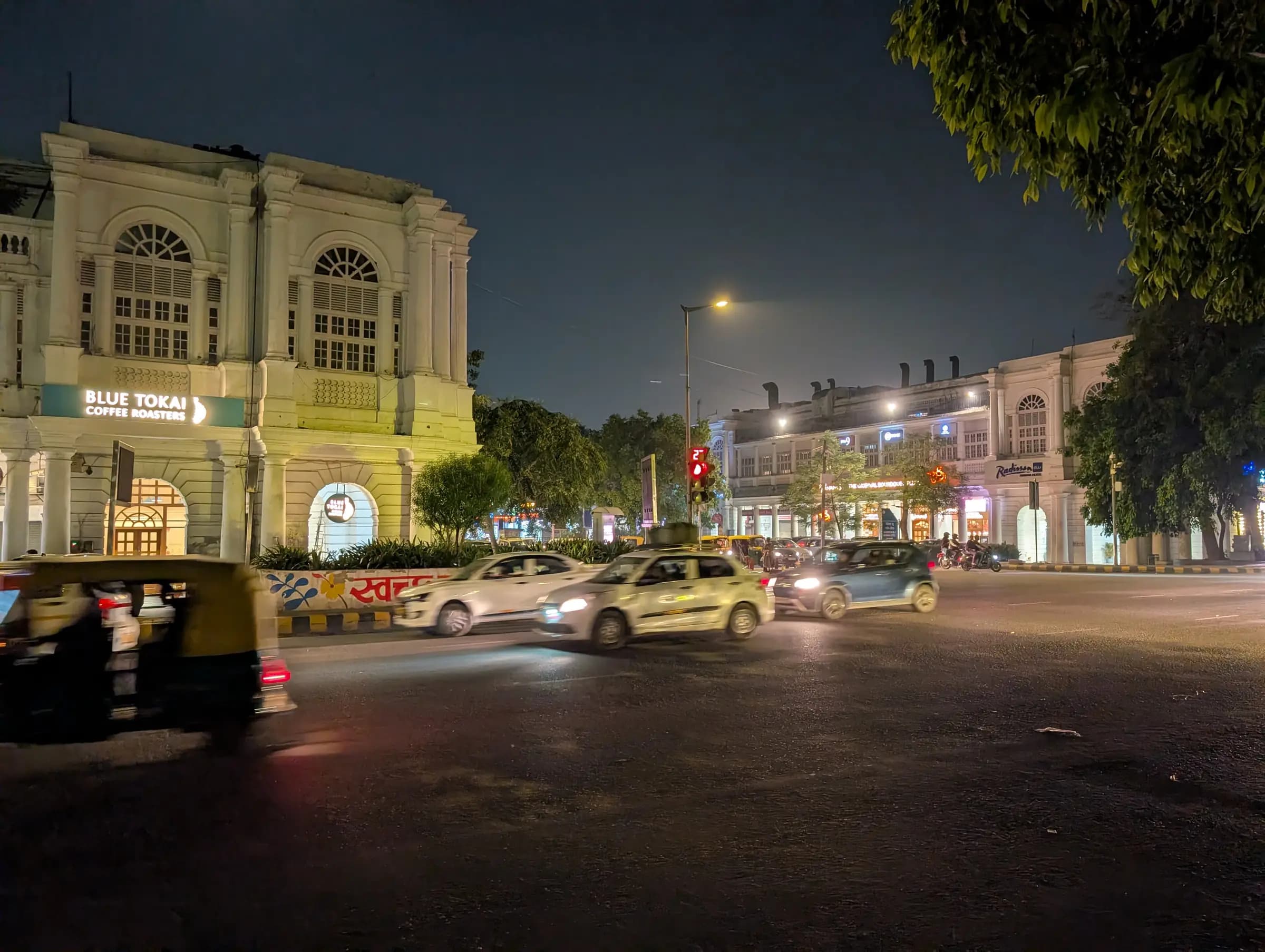
Every street has bins. Finding one shouldn't mean asking around.
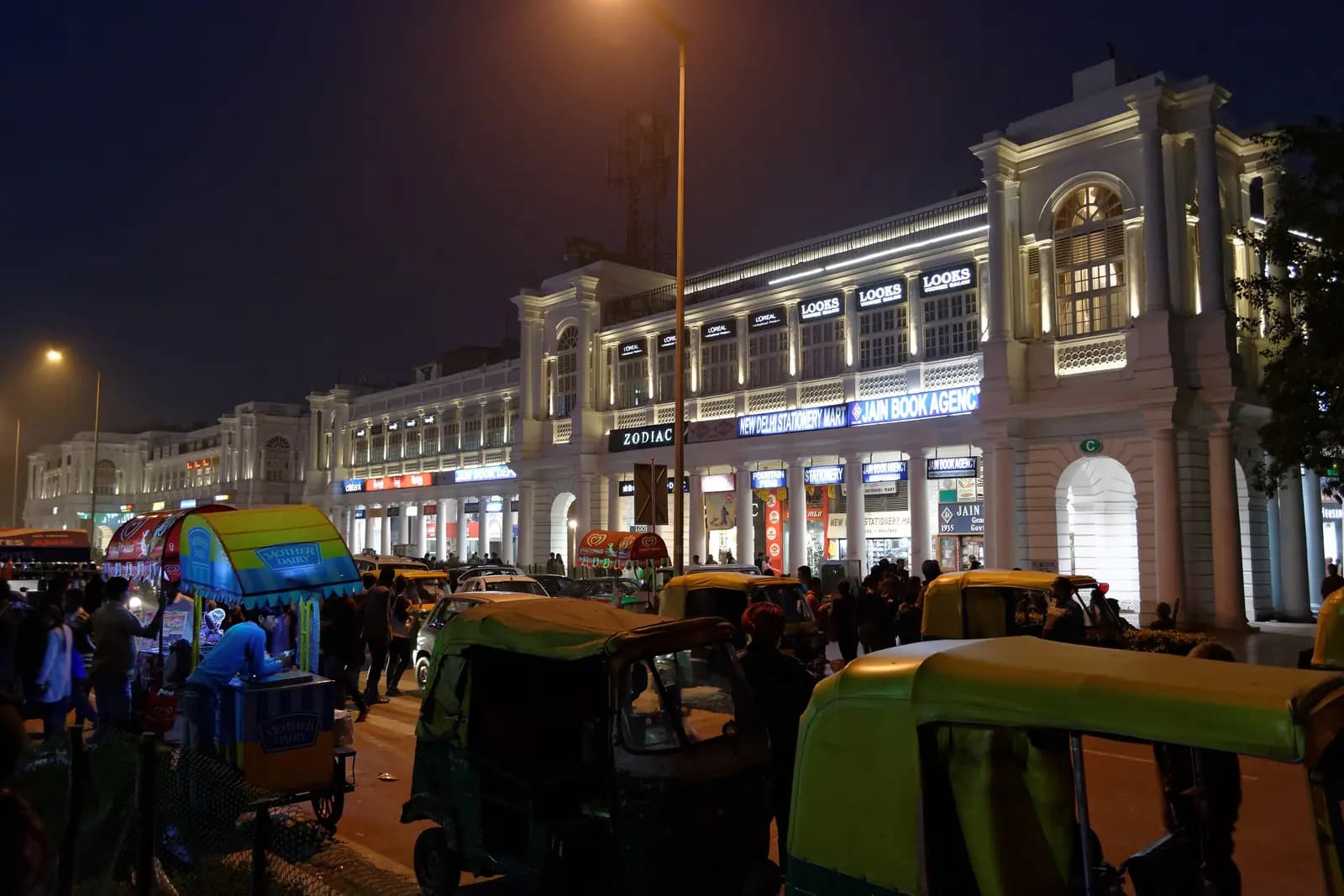
Radial Road, Connaught Place, New DelhiPhoto: Dgp4004, CC0
Most Indian cities sort street waste into two bins. SmartBin marks every bin with what it takes, so you know before you walk over. Bins that take both are marked wet and dry.
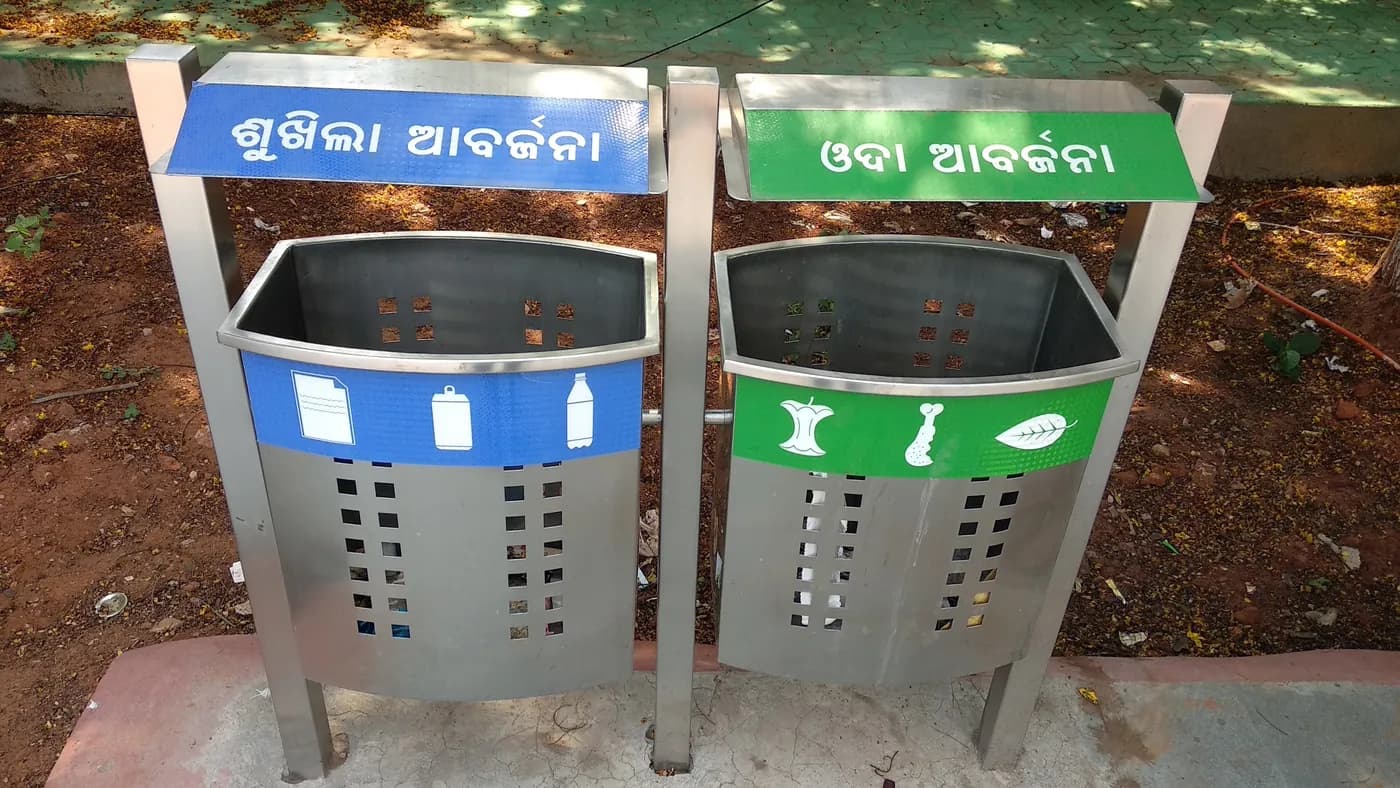
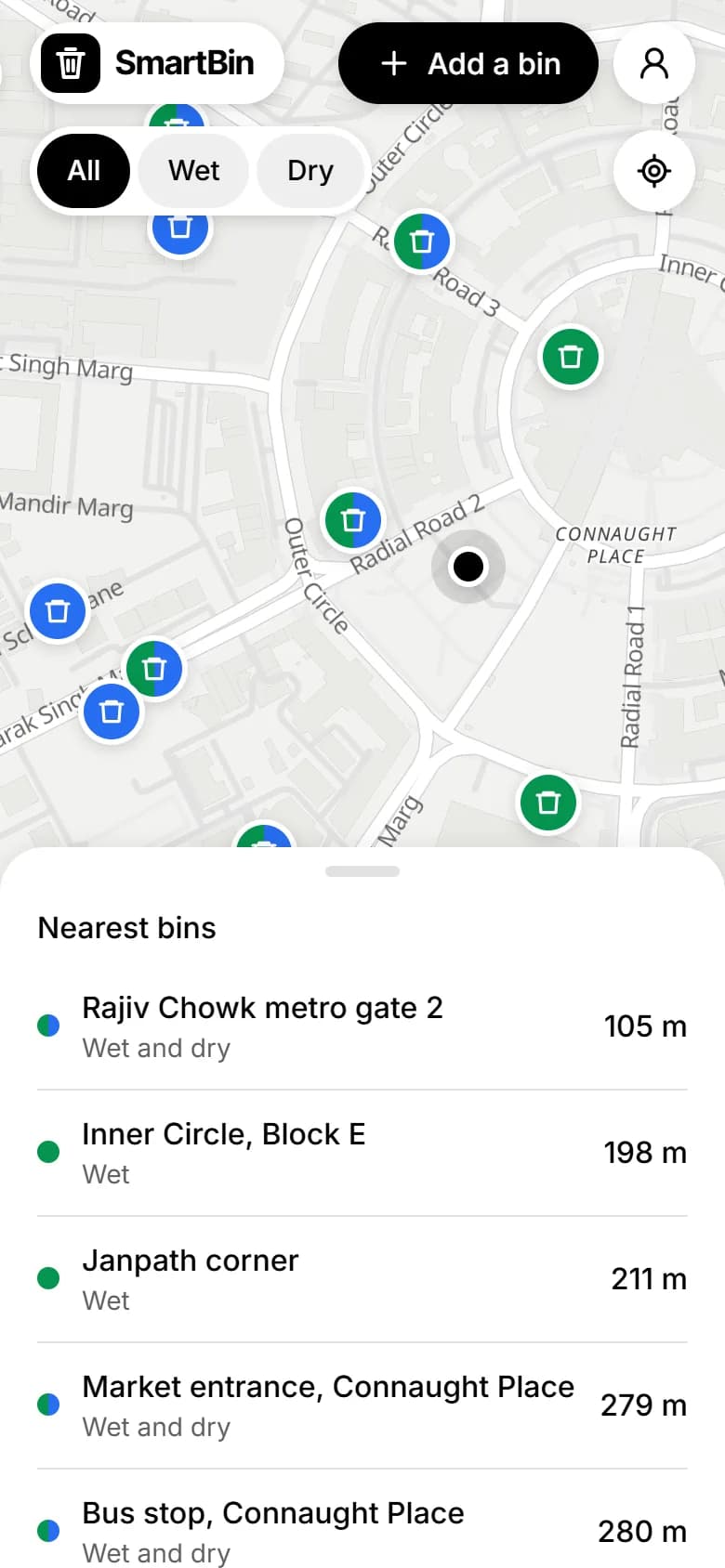
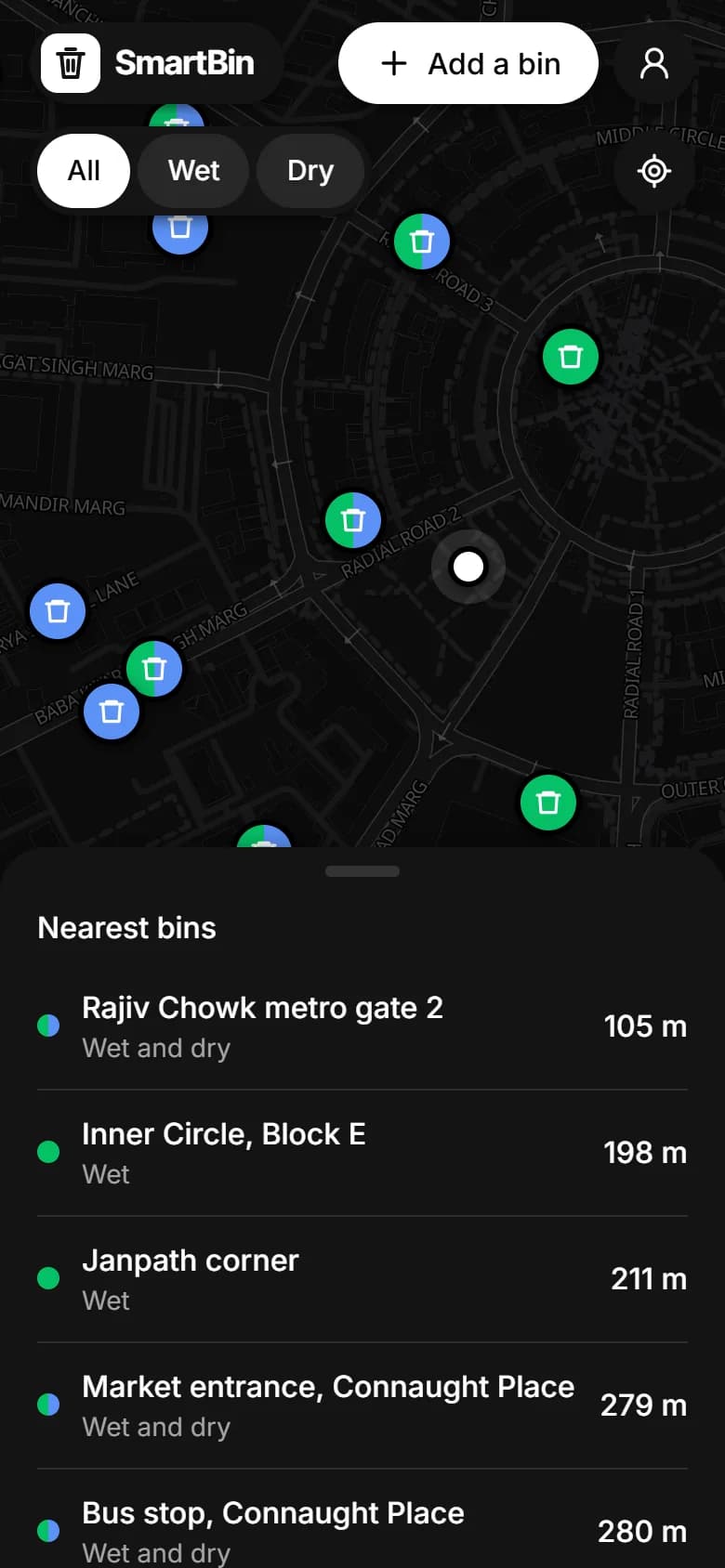
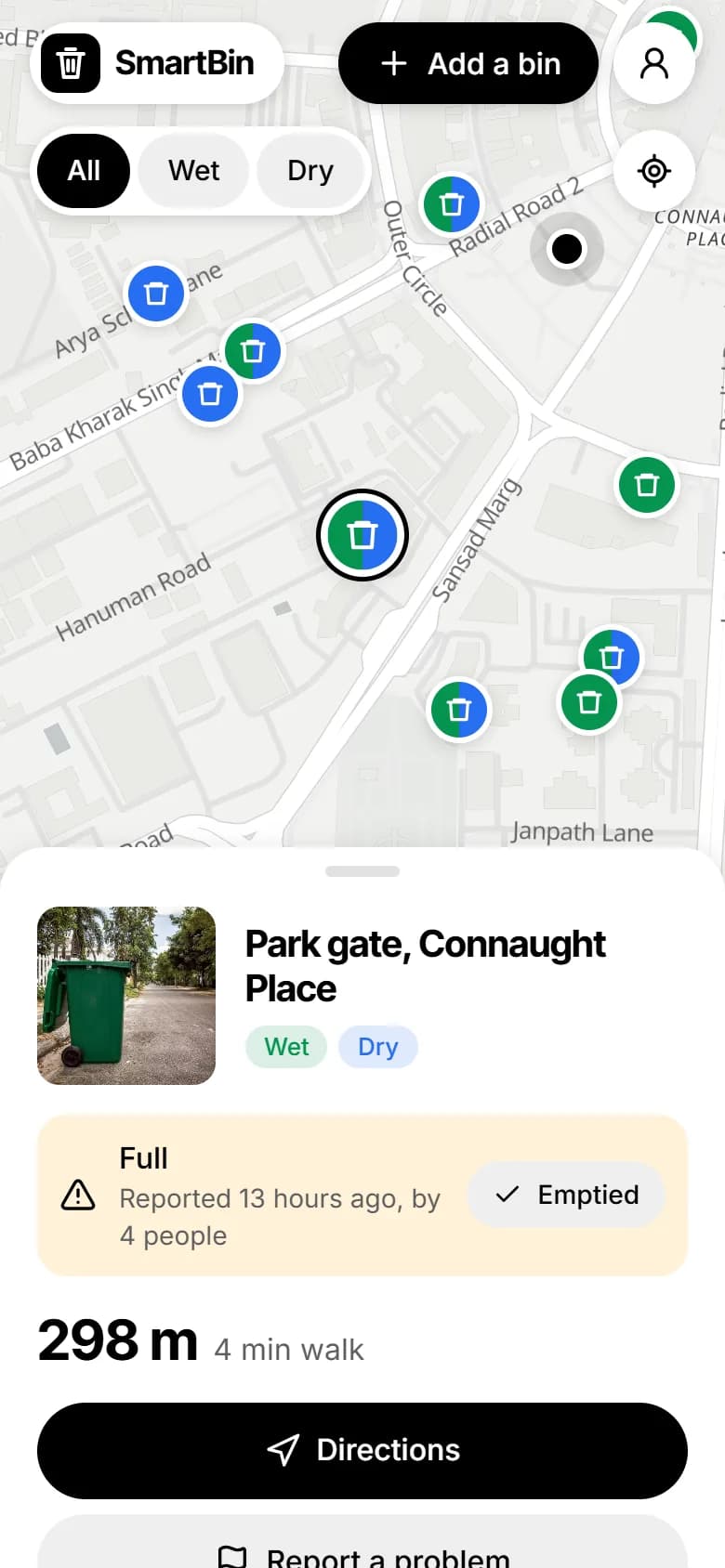
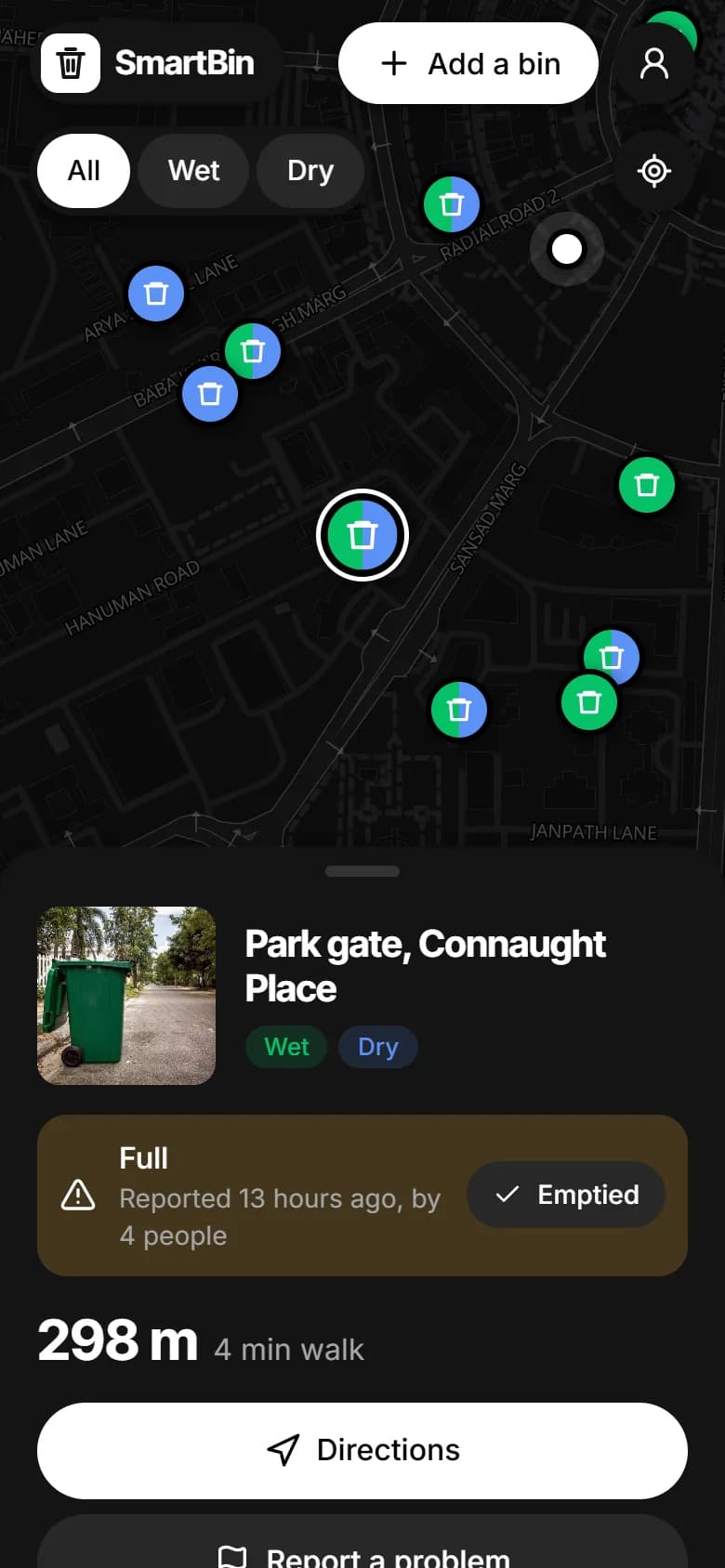
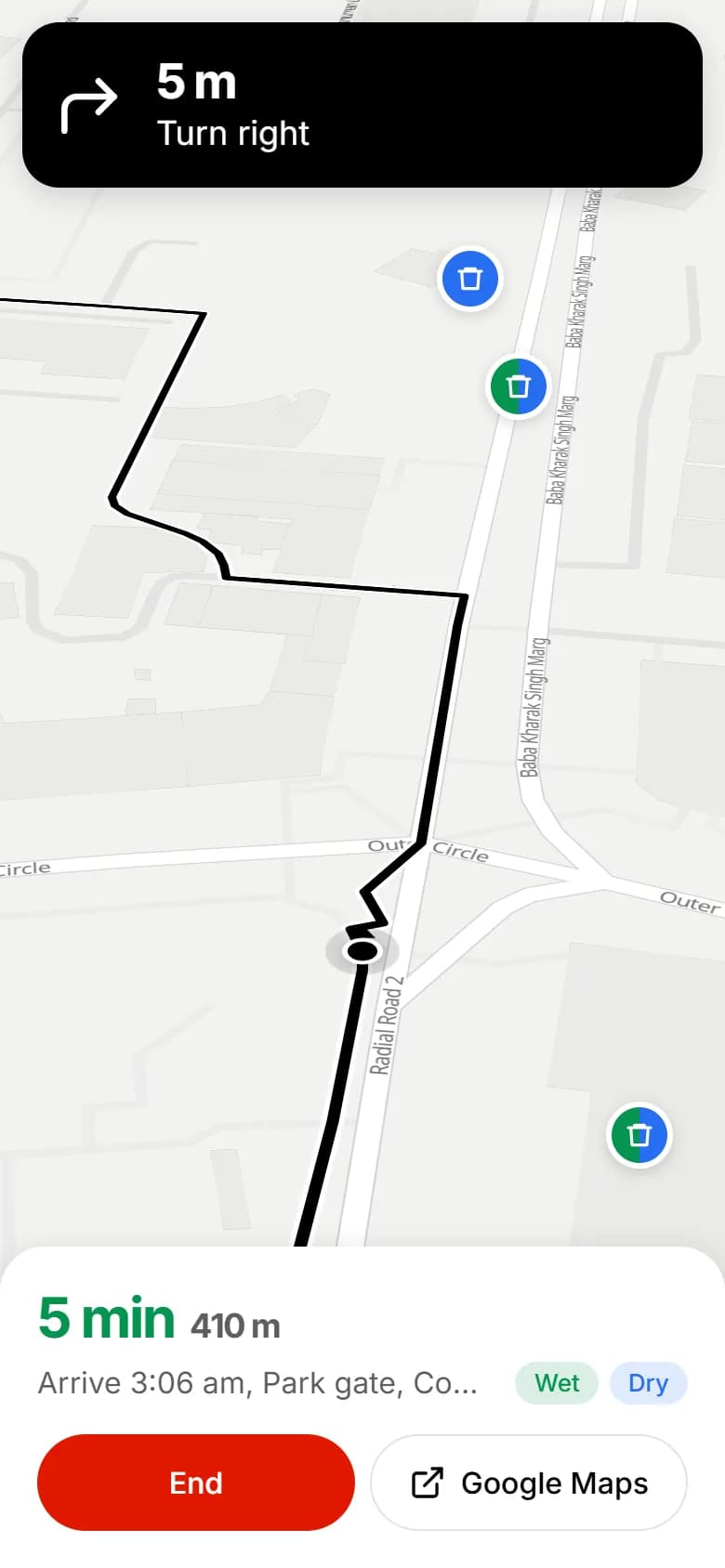
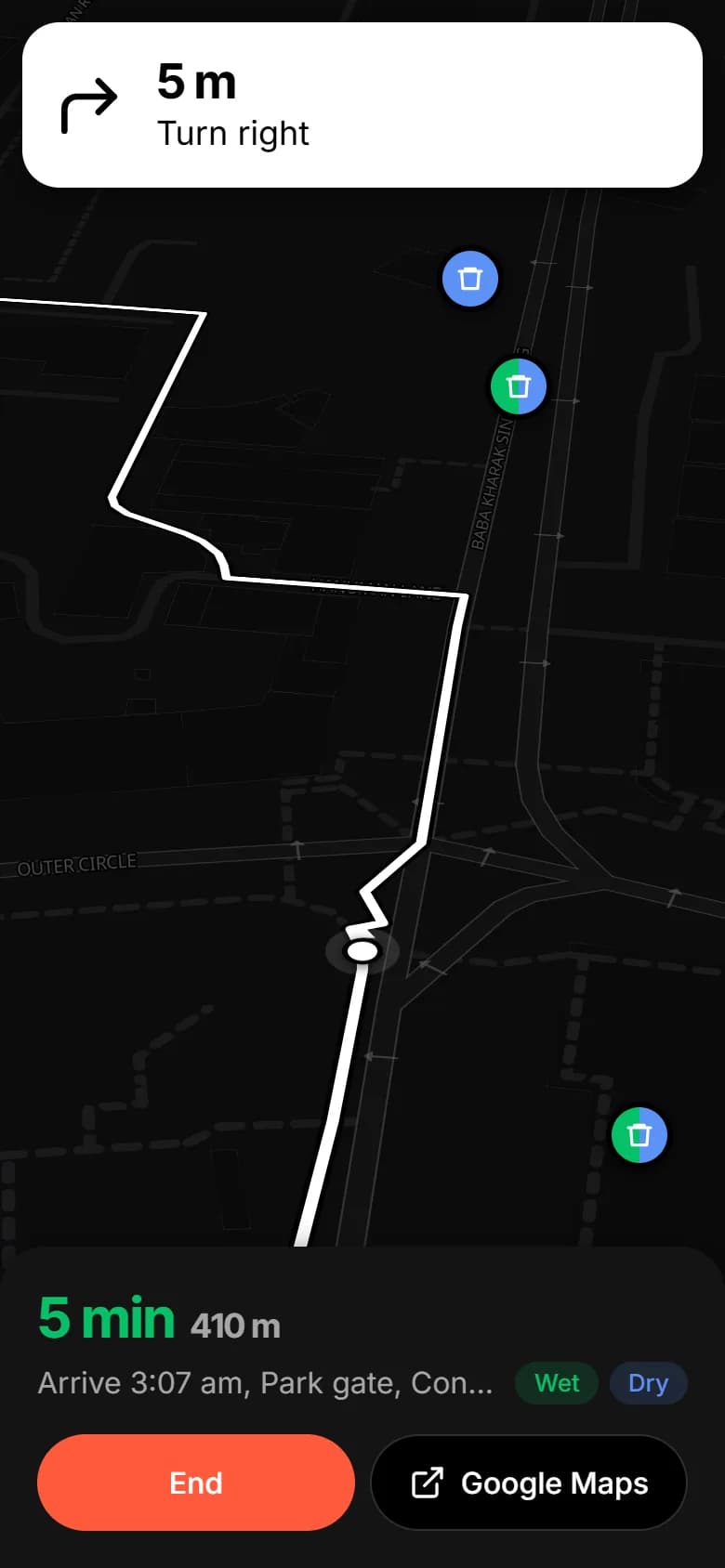
Green pins take wet waste, blue take dry, and half-and-half take both. The nearest are listed under the map, closest first.
Open a bin to see its photo and anything people have reported, like it being full. Whoever empties it can mark it sorted.
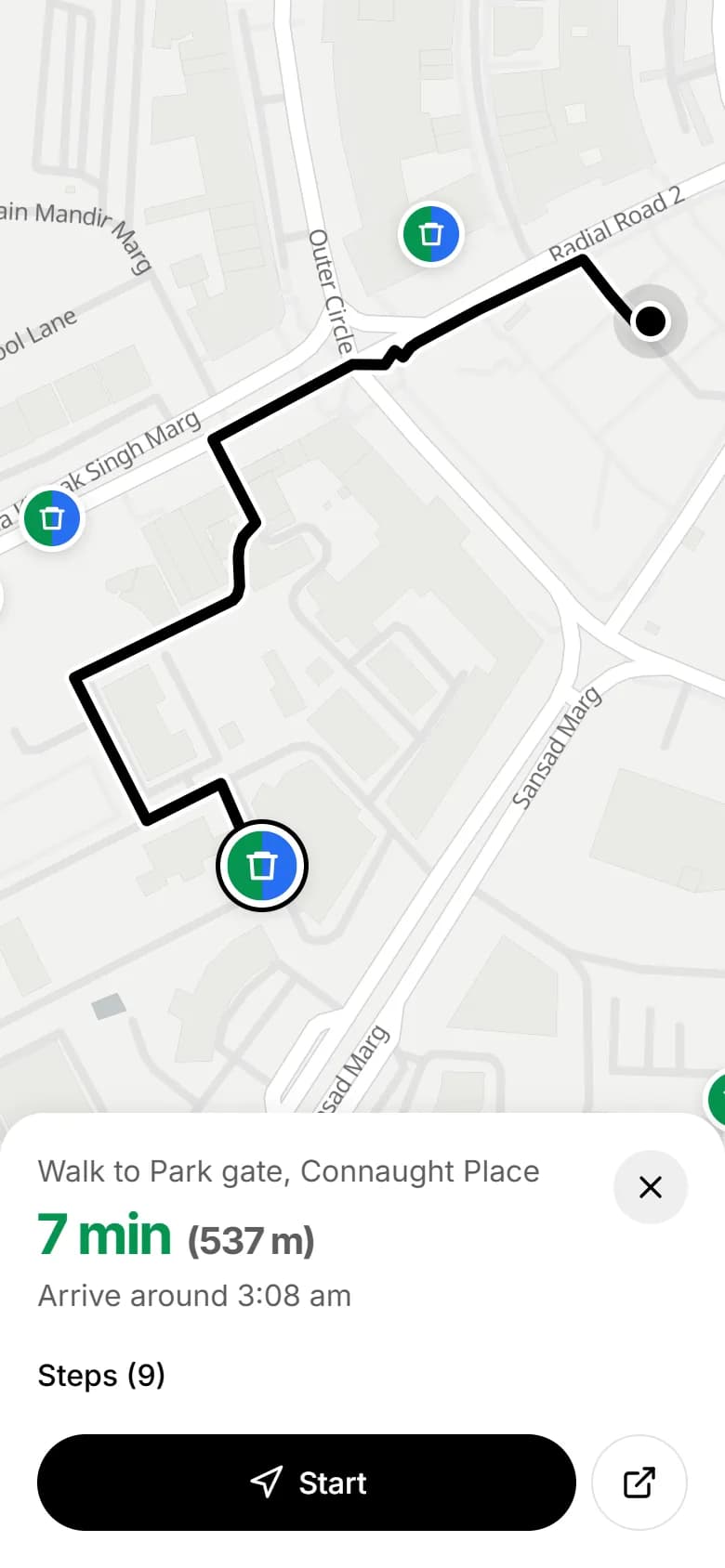
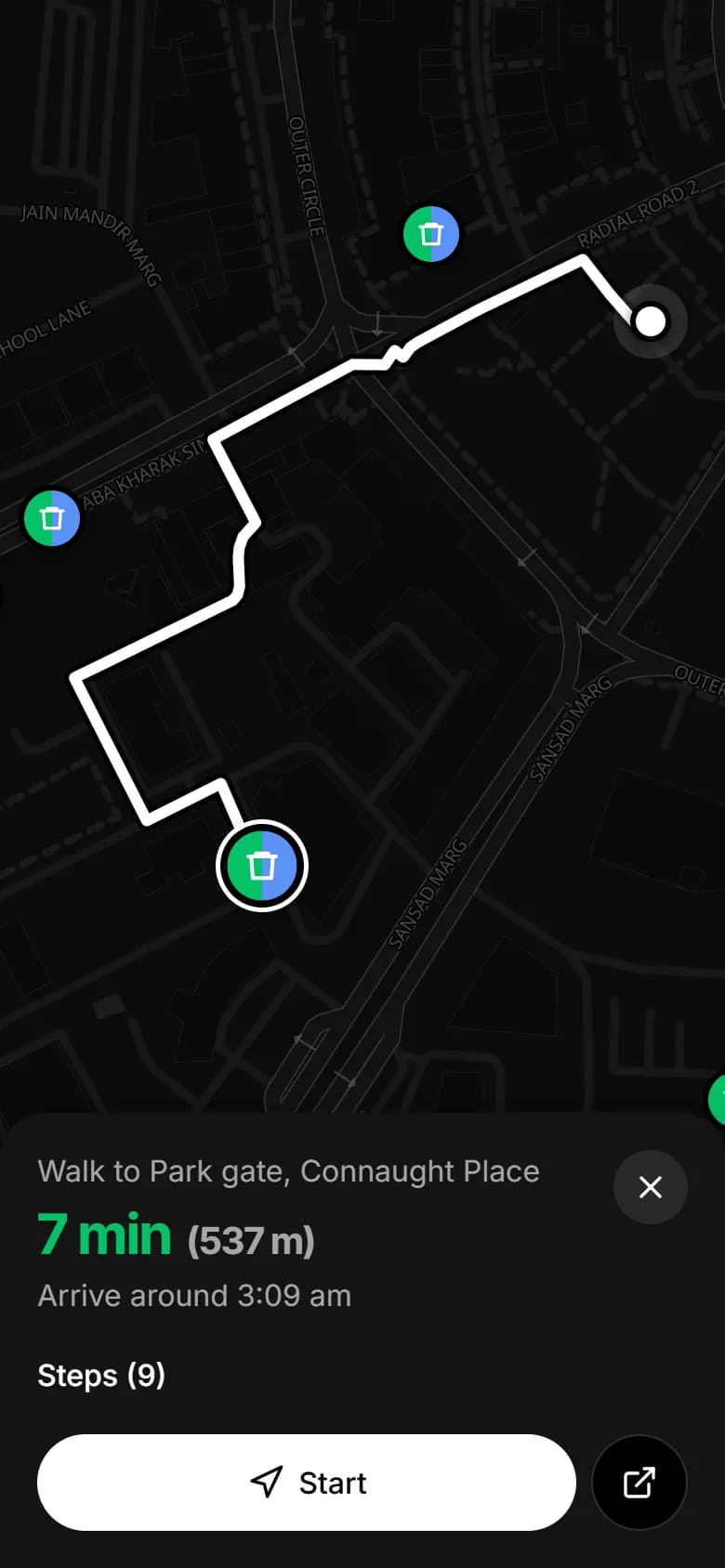
See how many minutes it takes and when you'll get there, then tap Start.
The map turns with you and shows the next turn. Take a different street and the route follows you.
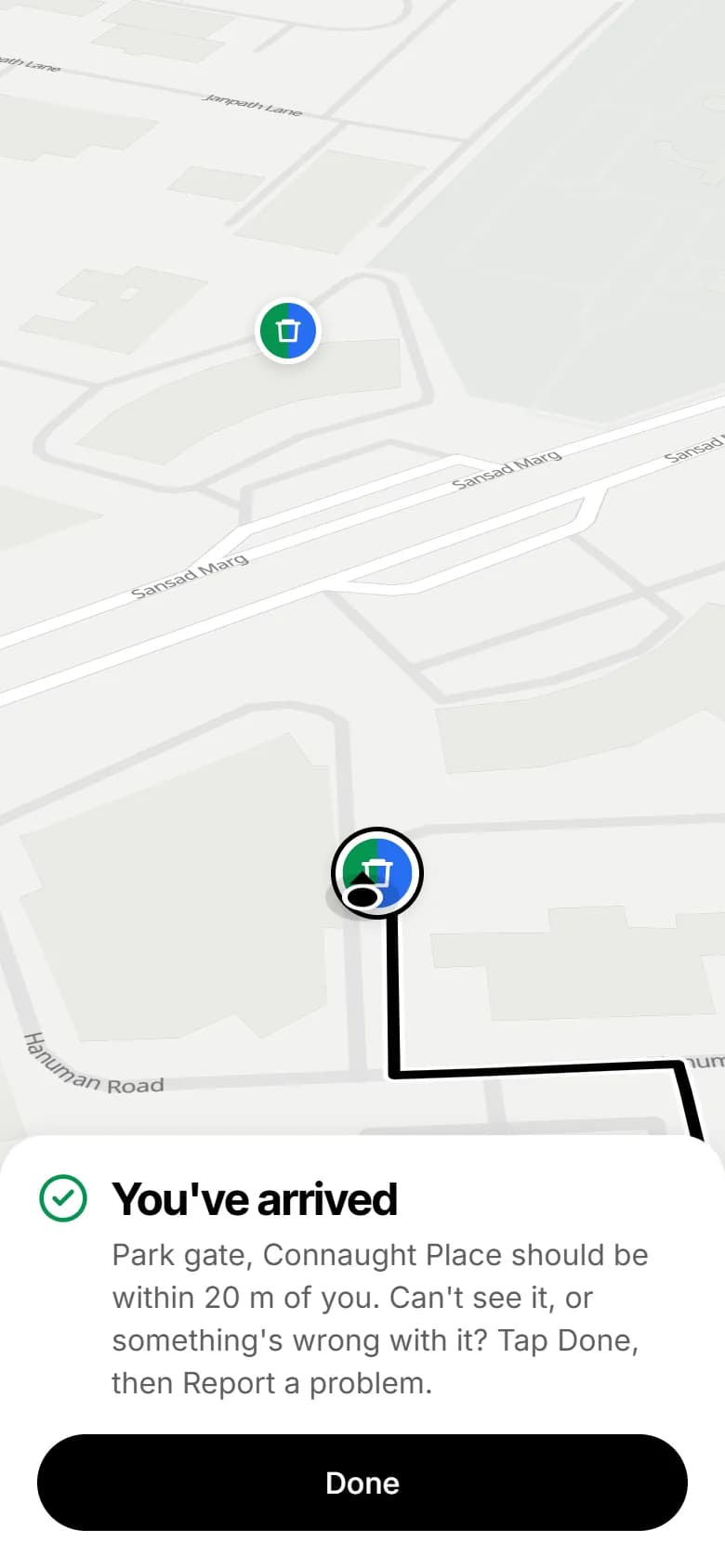
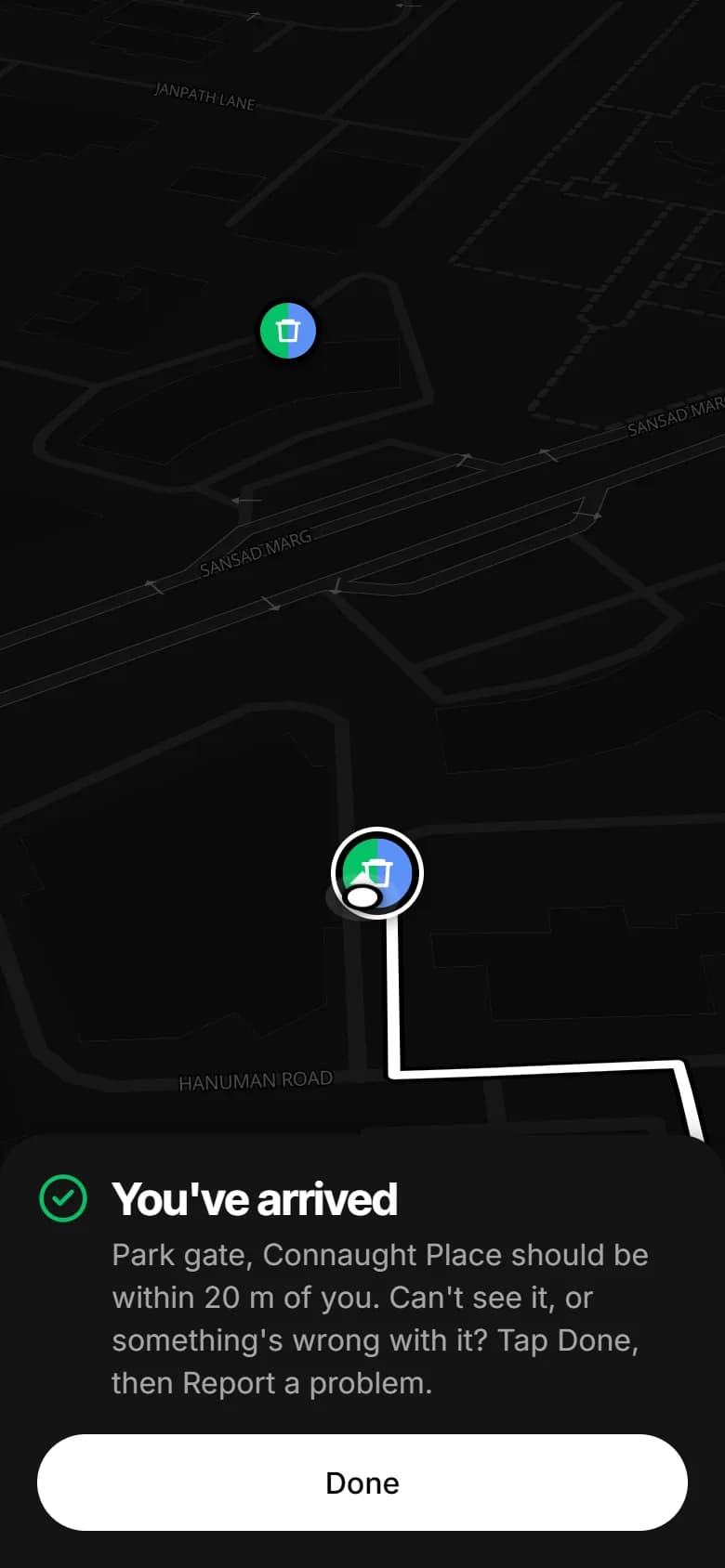
SmartBin tells you when you've arrived. If the bin is full, broken or gone, report it from right there.
The phone app has turn-by-turn walking directions that turn with you, keeps the screen on while you walk, and adds bins straight from your camera.
Or use SmartBin in your browser, no download needed.
Photo: Connaught Place at night by Slyronit, CC BY-SA 4.0
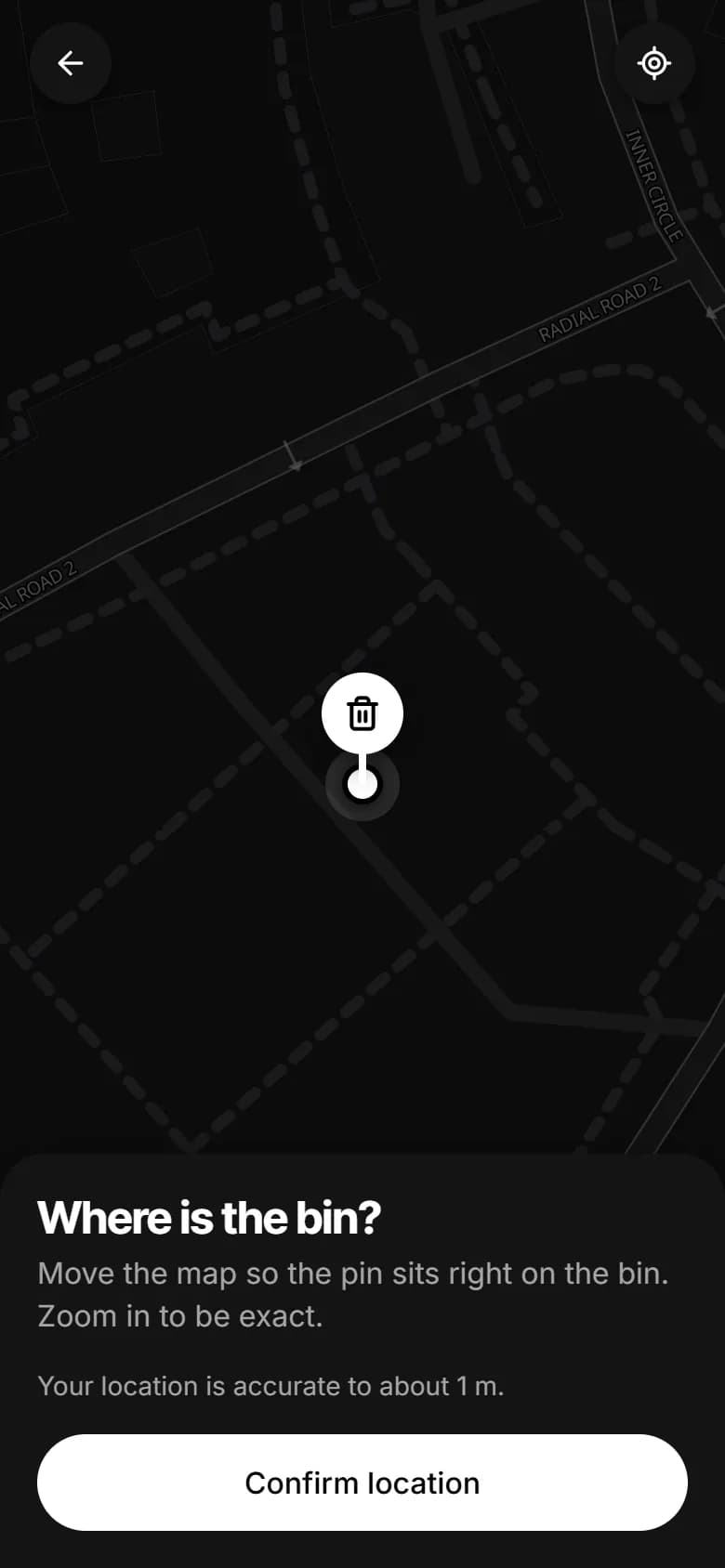
Move the map until the pin sits on the bin. SmartBin warns you if it's already on the map.
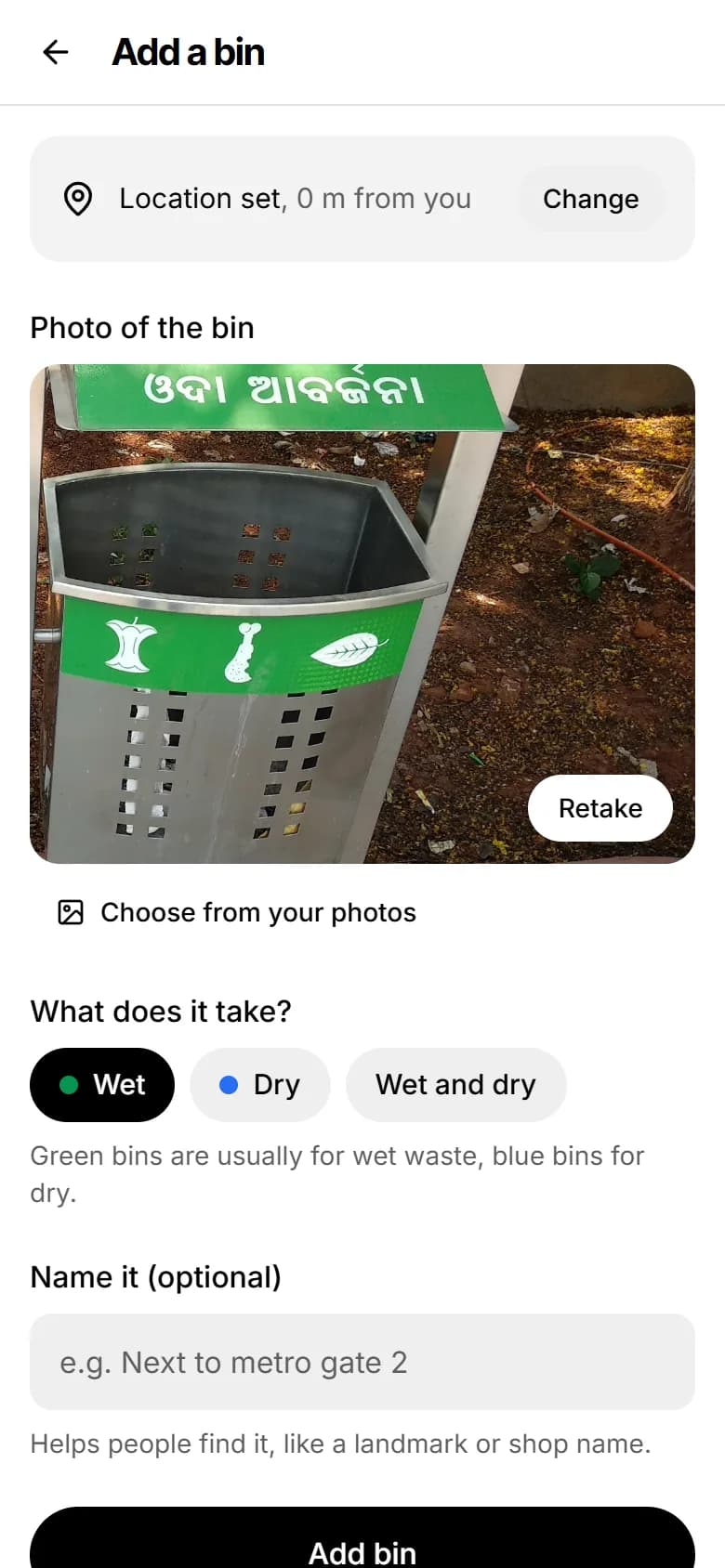
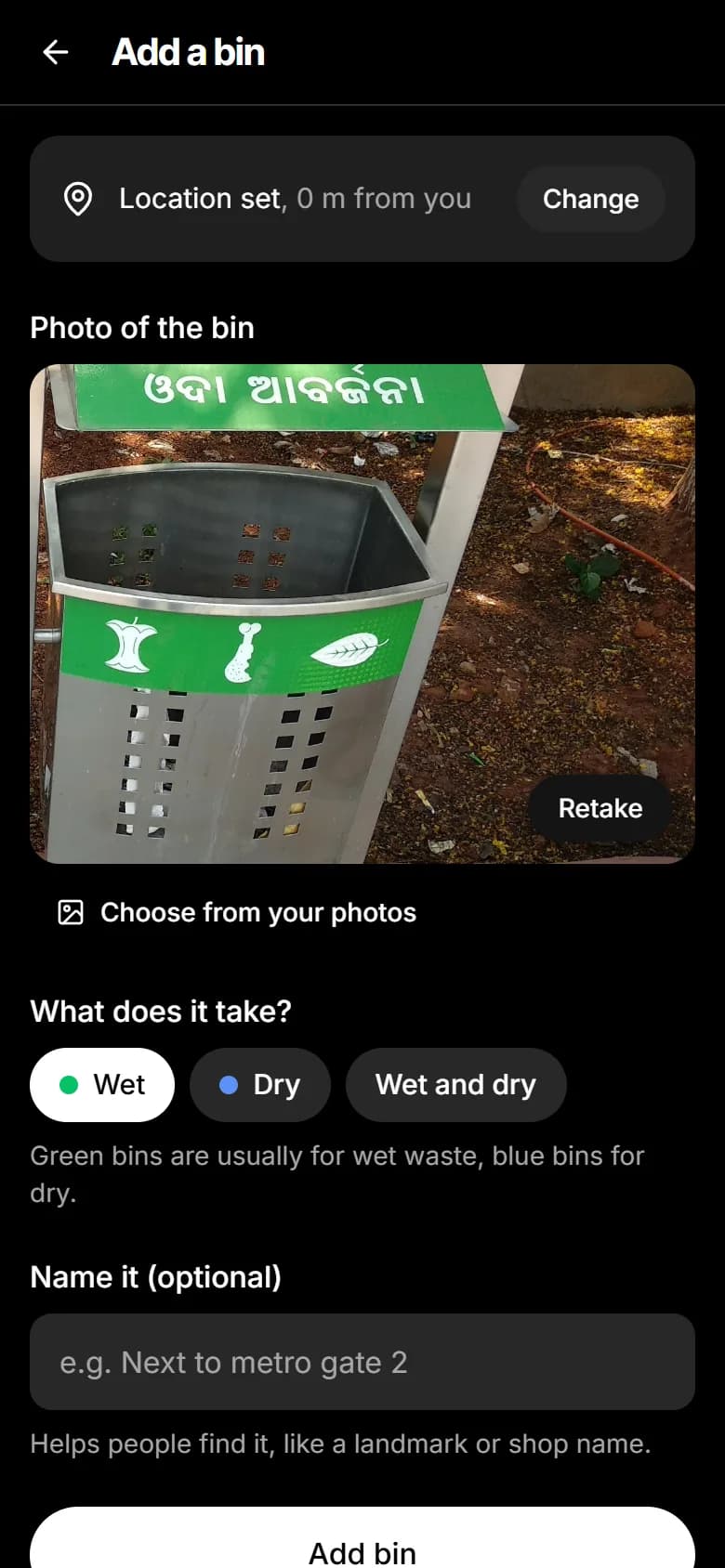
Snap the bin and choose wet, dry or both. A quick check confirms there's a dustbin in the picture.
Anyone nearby can now find it, and see what it takes before they walk over.
15m between bins
If a bin is already on the map within 15 metres, a second one can't be added on top of it.
20m from the bin
To report a bin as missing, you have to be standing within 20 metres of where it should be.
3reports and it's gone
When three different people report a bin missing, it comes off the map. If it's still there, anyone can add it back.
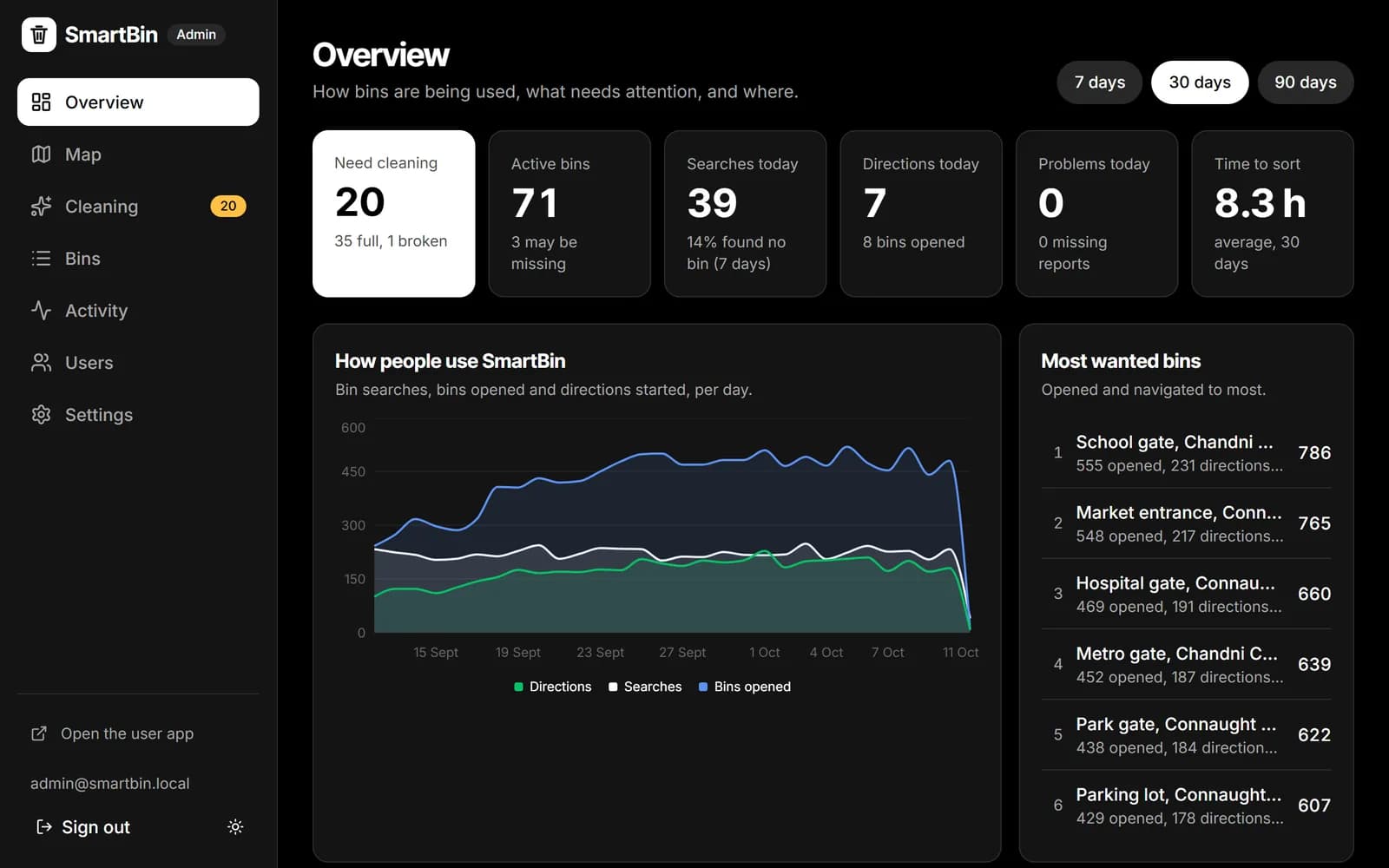
City and campus teams get a dashboard of every bin in their area: which ones people look for, which fill up fastest, a cleaning queue sorted by urgency, and every bin's full history.
Admin sign in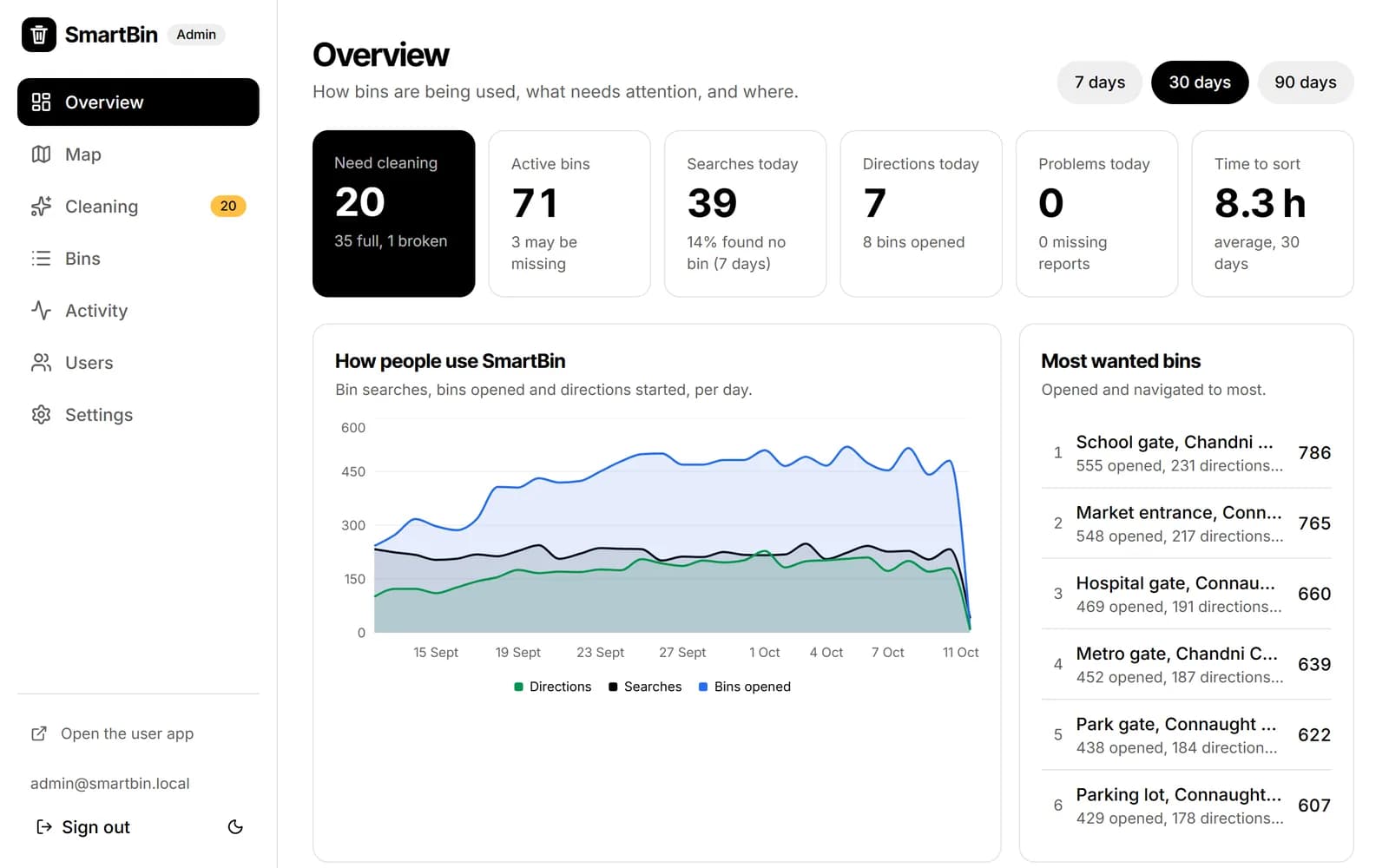
Bus stop, MG Road
Dry waste
Added with a photo
2 Oct, 9:14 am
Reported full, 4 people
6 Oct, 6:40 pm
Marked emptied
6 Oct, 8:05 pm
Reported missing, 3 of 3. Removed
7 Oct, 12:55 pm
Add it from where you're standing: drop the pin, take a photo, choose wet or dry. The next person looking for a bin will find it.